
Understanding Git and its commands

Initially I wanted to write about Git and its fundamentals. But this article isn’t a deep dive or the basics of git. Internet is already full of such guides and tutorials.
This is a short summary article on most of the Git commands you will ever use and when you are going to use them. It will be expanded in future as suitable.
No BS - All commands you will ever need to know
I would actually recommend you to read the friendly manual (RTFM) or documentation of Git about the following listed commands:
init
config
clone
status
add
push
pull
commit
checkout
branch
merge
rebase
stash
cherry-pick
log
reflog
reset
cat-file
That’s all you would ever need to know about Git (90% of the time). Do refer: GIT CHEAT SHEET from GitHub. It has all the syntax and usage for the above commands.
I also highly recommend the Everything You’ll Need to Know About Git on Frontend Masters. You can even use this article as the summary notes for the mentioned course.
The foundations
Git is a distributed Version Control System (VCS). Meaning: you can update a file separately in many instances and merge it on a single instance. It allows you to diverge in any way indefinitely, but it will be the responsibility of the user to safely merge into the source of truth.
You can imagine a tree like structure for a working Git instance. There will be a single stem of a tree, out of which many branches emerge into many different branches.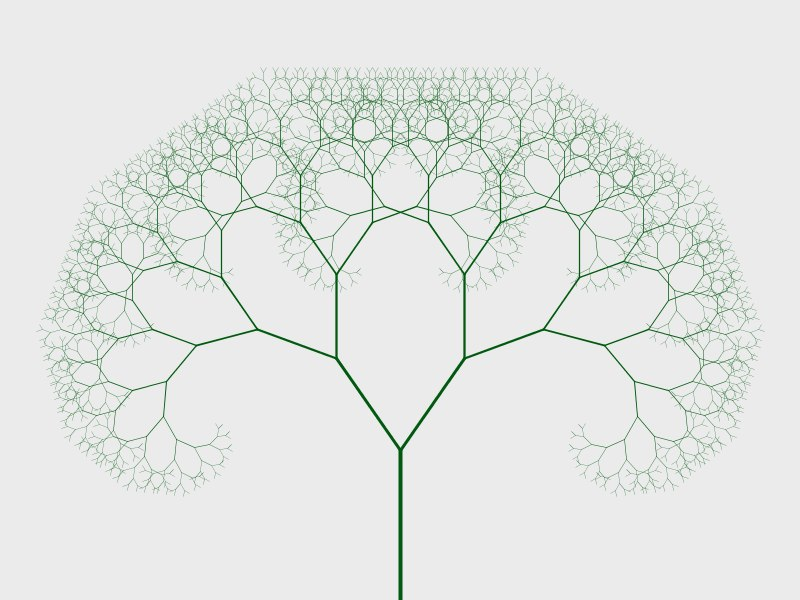
That’s what is possible in Git.
The Attitude for Git
There is no necessity to learn Git really. It is as trivial and complex as a file manager. You should also view Git as a File System extension.
Git is a fundamental. Learning this could save you hours of efforts. Make it as an additional trick up your sleeve as a magician of logics.
Git is fundamentally an acyclic Graph manager for your files. Once you understand it, you can build upon it for various different use cases.